How to Read Your Solar Monitoring App (EMA): What the Metrics Mean

Moha Tuano • December 2, 2025

Share this article

Installing a solar system is a big step toward clean energy and long-term savings. But to truly understand how your system is performing day-to-day, you need to know how to read your solar monitoring app.


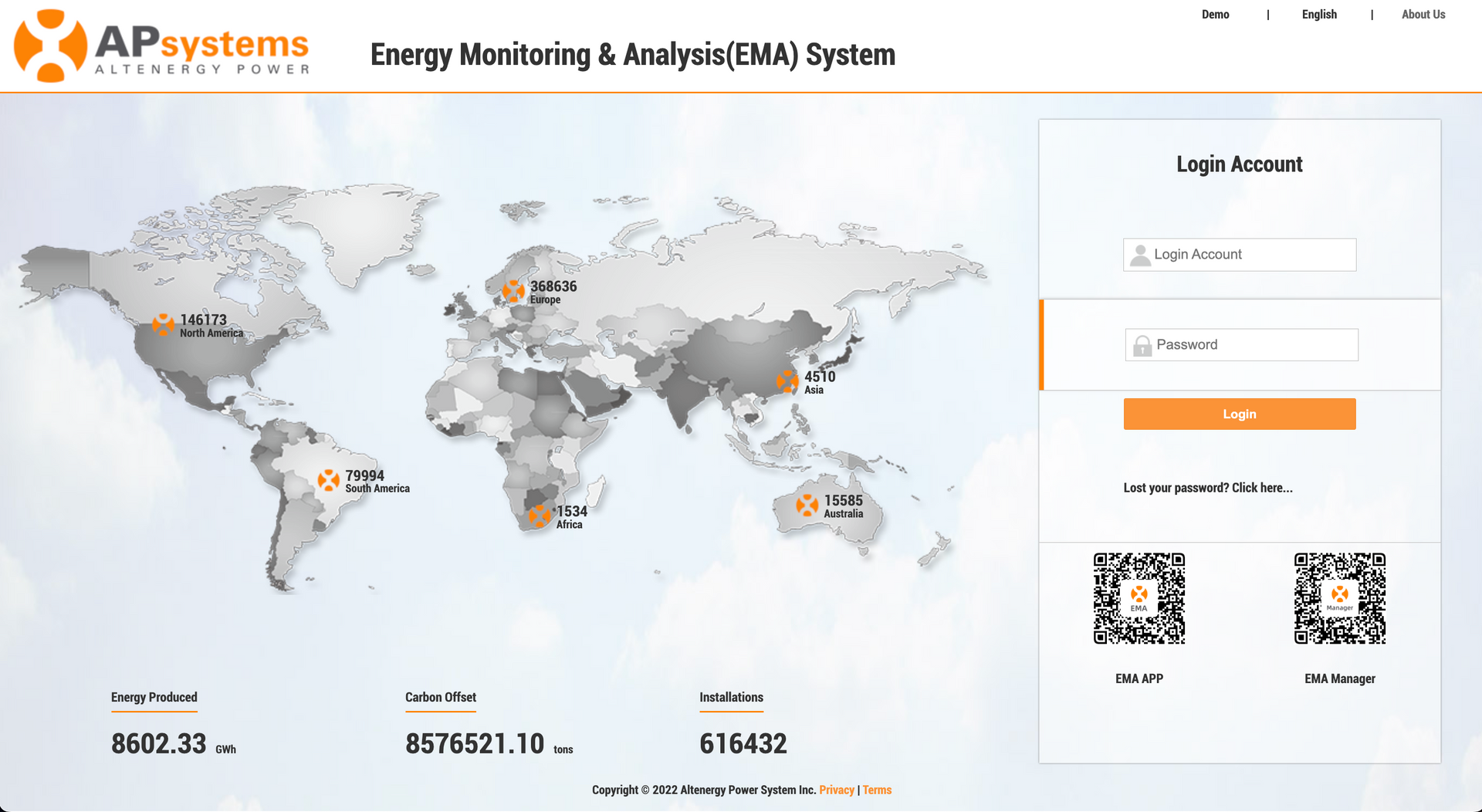
For systems powered by APsystems microinverters, the EMA (Energy Monitoring and Analysis) app provides detailed insights into how much power your panels are producing, how efficiently they’re working, and how much energy you’re saving.


Once your solar panels are up and running, the app becomes your window into your system’s health and performance. At first, the numbers and graphs may seem technical, but once you understand what each metric means, tracking your energy production, savings, and environmental impact becomes easy—and even exciting.

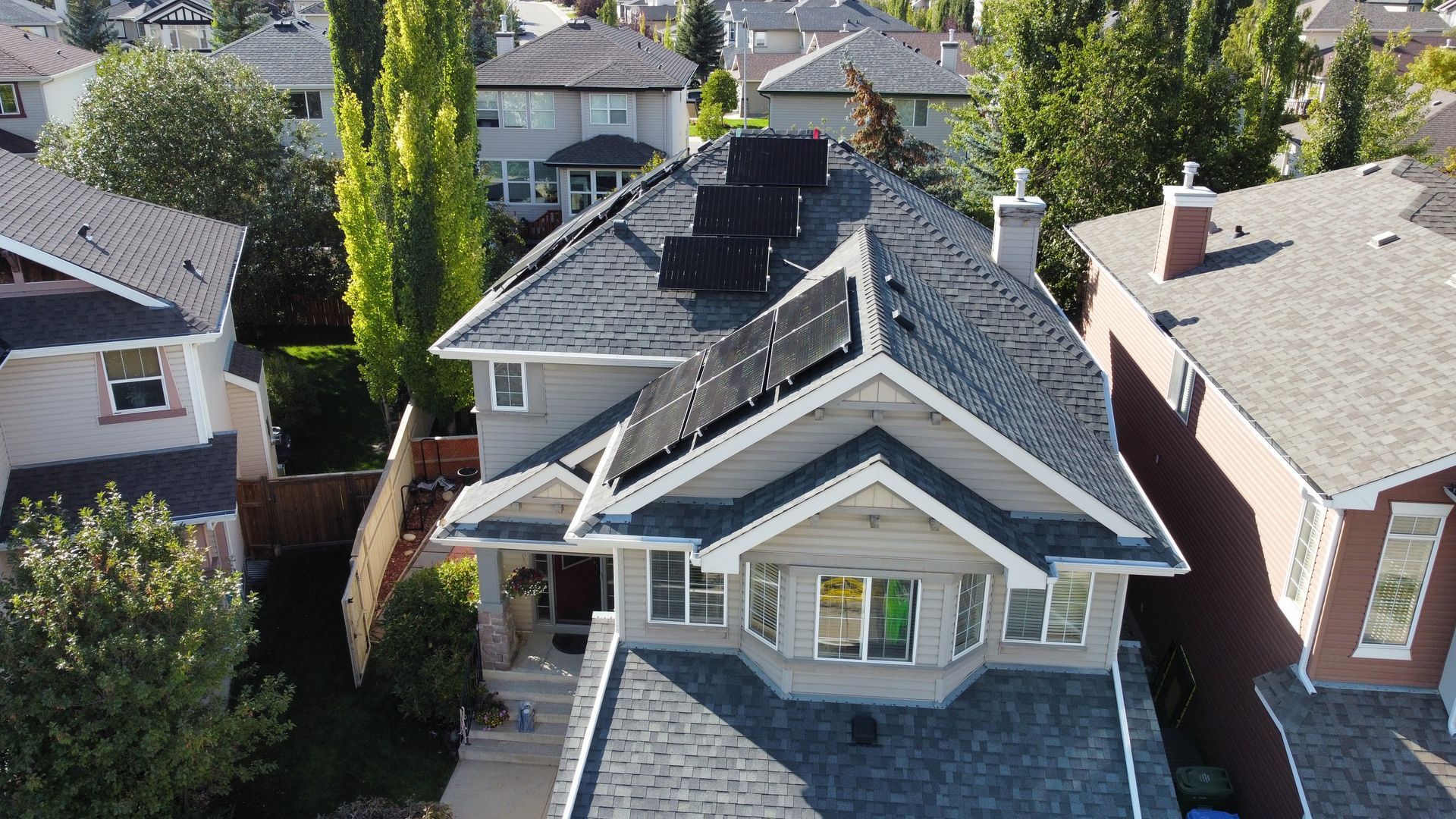
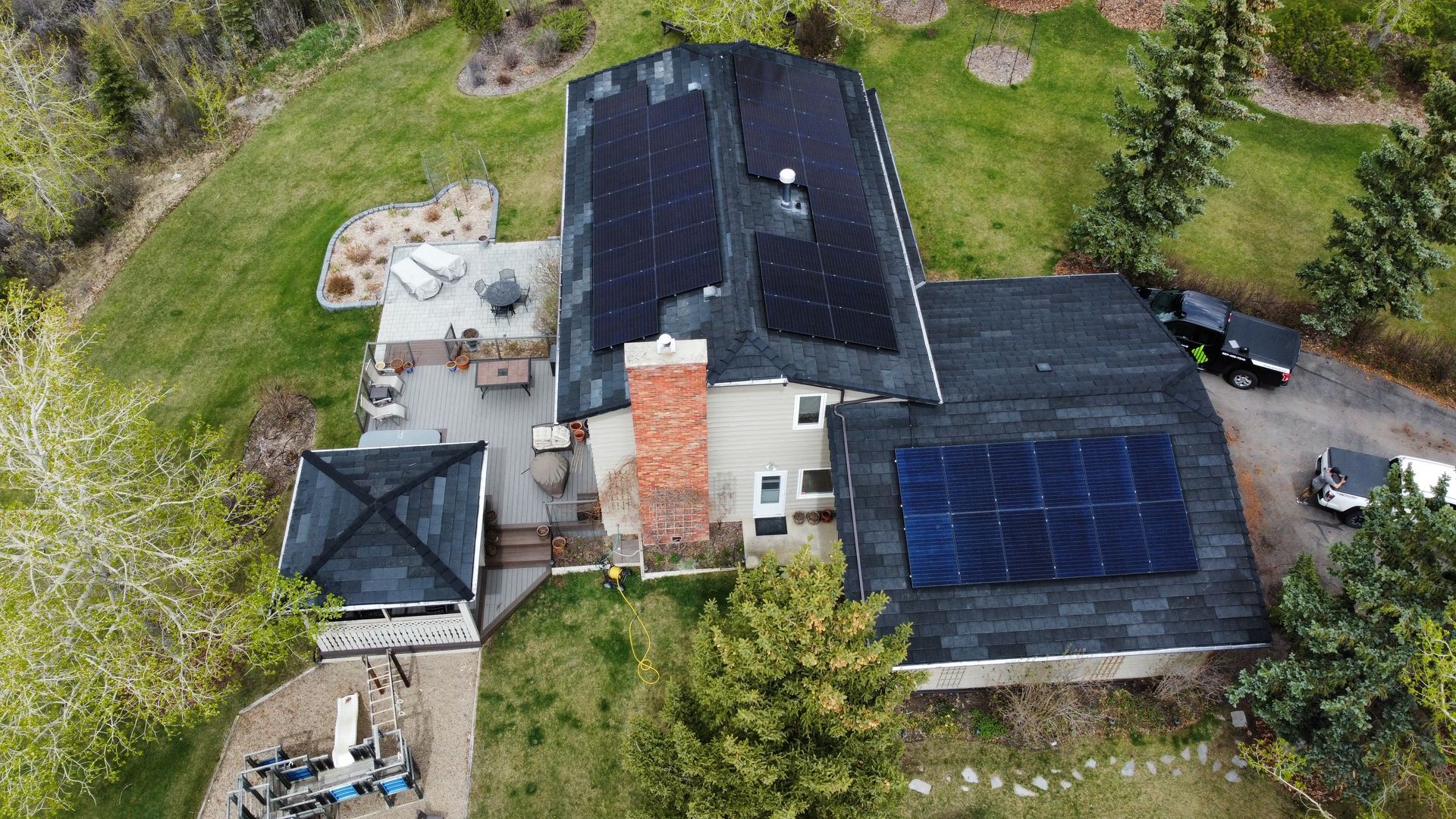
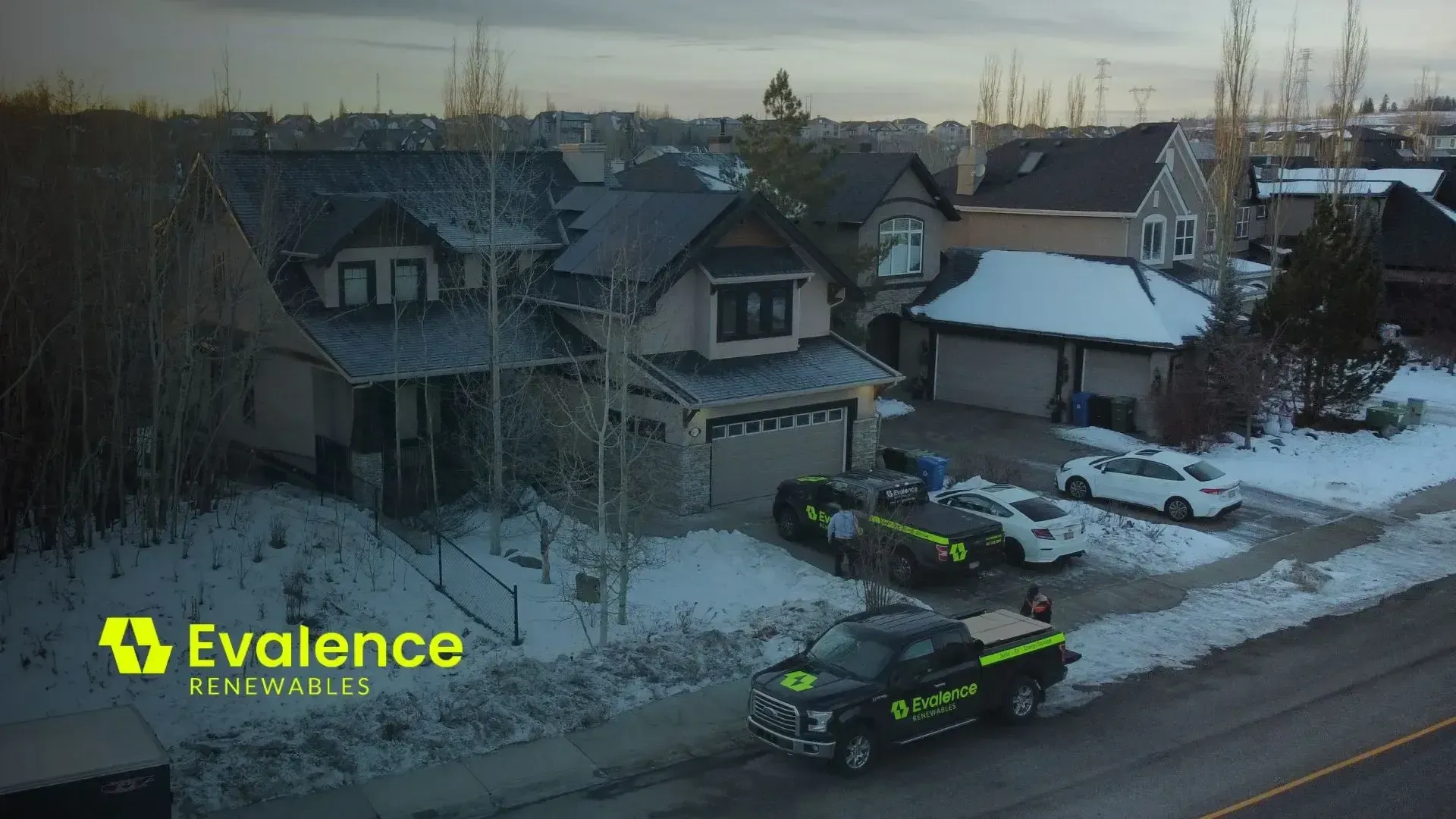
Roof-mount Solar Modules in Calgary, Alberta

This guide breaks down the key sections and metrics in the EMA app to help you make the most of your solar investment.

Getting started with the EMA App

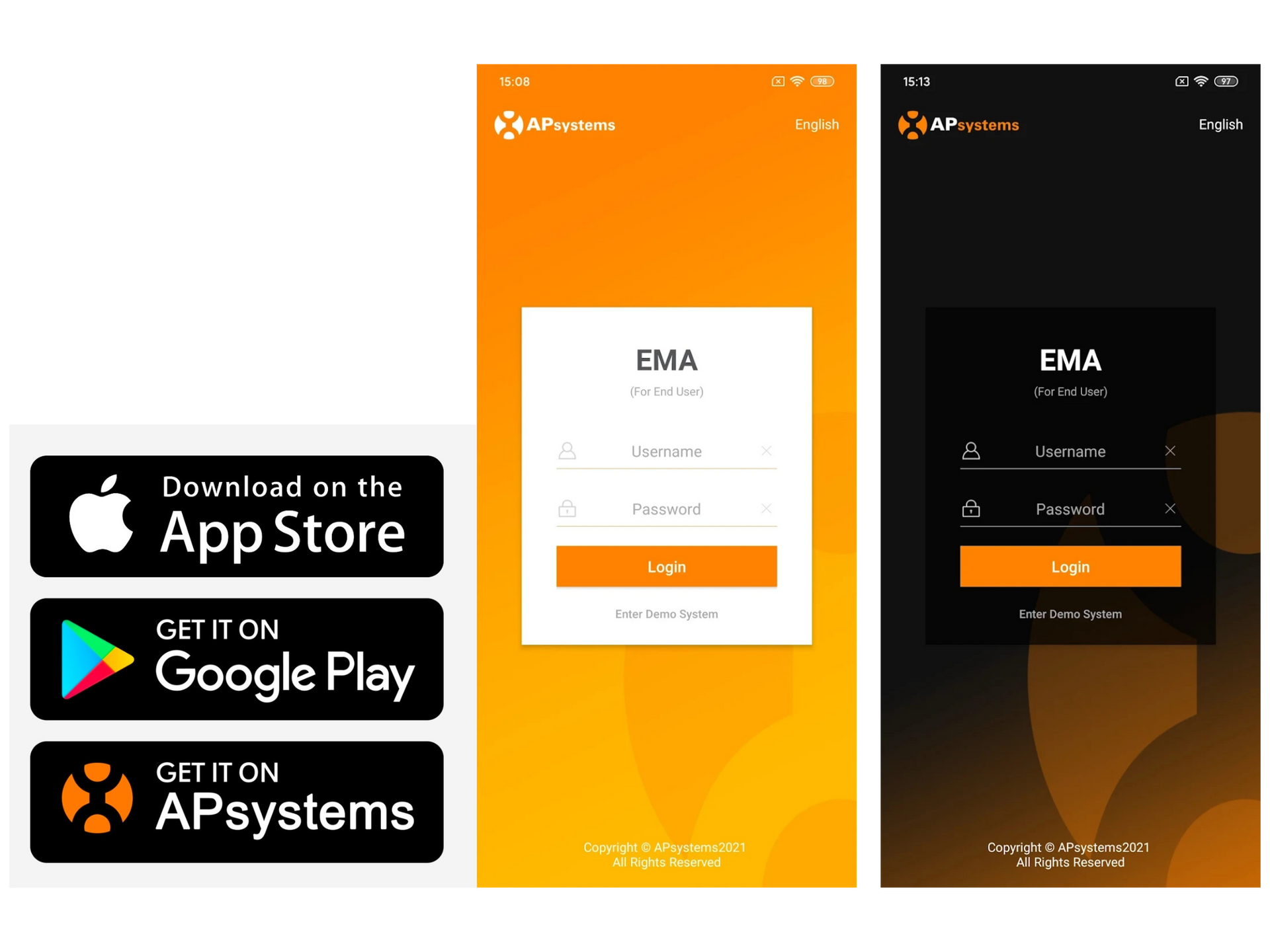
The APsystems EMA app is available on App Store, Google Play or APsystems — just search for “EMA app”. Once installed, you can log in with the credentials provided during your system setup.

The app provides real-time and historical data on your solar system’s performance, helping you track energy production, identify potential issues, and understand the full impact of your solar investment.

Exploring the Main Dashboard

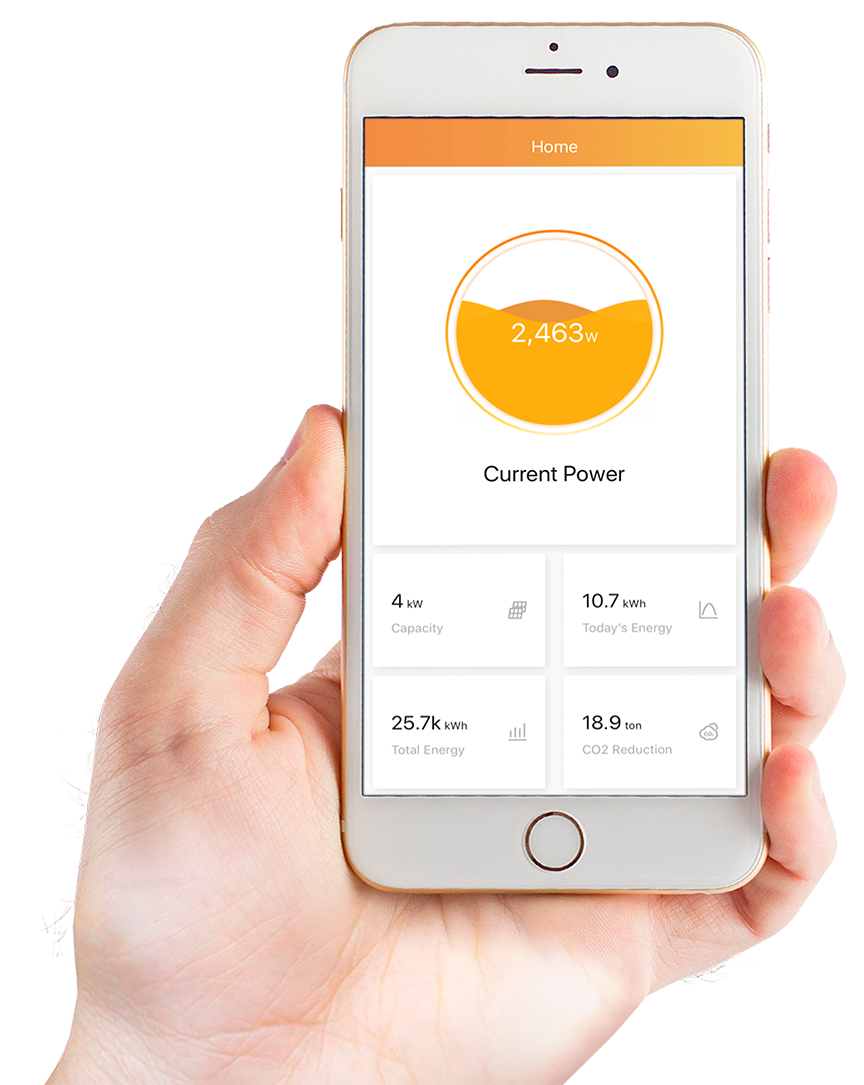
When you first open the APsystems EMA app, the first screen you’ll see is the dashboard — the main page that summarizes your solar system’s overall performance. 


Think of it as your “solar status report,” showing how much energy your system is currently producing and how it’s been performing over time.


Here’s what you’ll typically find on the dashboard:


  • System Layout: A simple image that represents your solar setup. It gives you a quick visual of your panels and how they’re arranged, making it easier to notice if one isn’t producing power as expected.
  • System Size (kW): This shows your system’s total capacity — in other words, the maximum power it can produce under perfect sunlight conditions.
  • Current Power Output (W): This tells you how much electricity your solar system is generating right now. You’ll notice this number changes throughout the day, peaking when the sun is strongest and dropping to zero at night.


A higher wattage means your system is actively converting sunlight into electricity at that very moment. If it’s cloudy or nighttime, you’ll notice the number drop or show zero — that’s perfectly normal since there’s no sunlight available.


You can also toggle between real-time and historical data views to see how your production changes over hours, days, or months. This feature helps you notice patterns and seasonal differences, so you know when your system is performing at its best.

Here’s what you’ll typically find on the dashboard:


  • System Layout: A simple image that represents your solar setup. It gives you a quick visual of your panels and how they’re arranged, making it easier to notice if one isn’t producing power as expected.
  • System Size (kW): This shows your system’s total capacity — in other words, the maximum power it can produce under perfect sunlight conditions.
  • Current Power Output (W): This tells you how much electricity your solar system is generating right now. You’ll notice this number changes throughout the day, peaking when the sun is strongest and dropping to zero at night.


A higher wattage means your system is actively converting sunlight into electricity at that very moment. If it’s cloudy or nighttime, you’ll notice the number drop or show zero — that’s perfectly normal since there’s no sunlight available.


You can also toggle between real-time and historical data views to see how your production changes over hours, days, or months. This feature helps you notice patterns and seasonal differences, so you know when your system is performing at its best.

The Module View – Your Panel-by-Panel Insight

The Module View is one of the most useful EMA features. It lets you see how each individual solar panel is performing rather than only viewing total system output.


On this screen, you’ll see a layout that mirrors your roof installation. Each tile represents a panel and displays its current power production. This makes it easy to spot differences—if one panel is producing less than the others or shows zero output, it’s visible immediately.


You can also use the daily slider to track energy production from sunrise to sunset, giving a clear picture of when your system performs best and how sunlight, shading, or weather affect output.


This level of detail helps you quickly spot underperforming panels, which can happen for several reasons, such as:


  • Shading: Trees, chimneys, or nearby buildings can temporarily block sunlight.
  • Dirt or Debris: Dust, leaves, snow, or bird droppings can reduce output.
  • Technical Issues: A panel showing zero production for several sunny days may indicate a connection or microinverter problem.


The Module View also displays inverter ID and system layout, helping technicians pinpoint issues during troubleshooting or warranty checks.

Key Metrics You’ll see

To get the most out of the monitoring, it helps to know what each metric means:

  • Capacity (kW): This is the total DC capacity of your solar system — basically, the maximum amount of power your panels can produce under ideal sunlight. (Module size x number of modules/1000)
  • Power (W or kW): This shows how much electricity your panels are generating right now. It changes throughout the day as sunlight increases or decreases.
  • Energy (kWh): This tells you how much electricity your system has produced over a certain period, like a day, week, or month. It’s one of the most important numbers to track because it shows how much energy you’ve actually made and how much you’re saving.
  • Total Energy (kWh): This is the total amount of energy your system has produced since it was first installed. It’s a great way to see your long-term performance and environmental impact.
  • Peak Power (K or kW): This number shows the highest power your system reached during the day. It’s useful for seeing your system’s top performance when the sun is at its strongest.
  • CO₂ Reduction (ton): This tells you how much carbon dioxide emissions you’ve helped prevent by using solar energy instead of grid electricity — a great reminder of the environmental benefits of going solar.

Tracking Your Energy Production Over Time

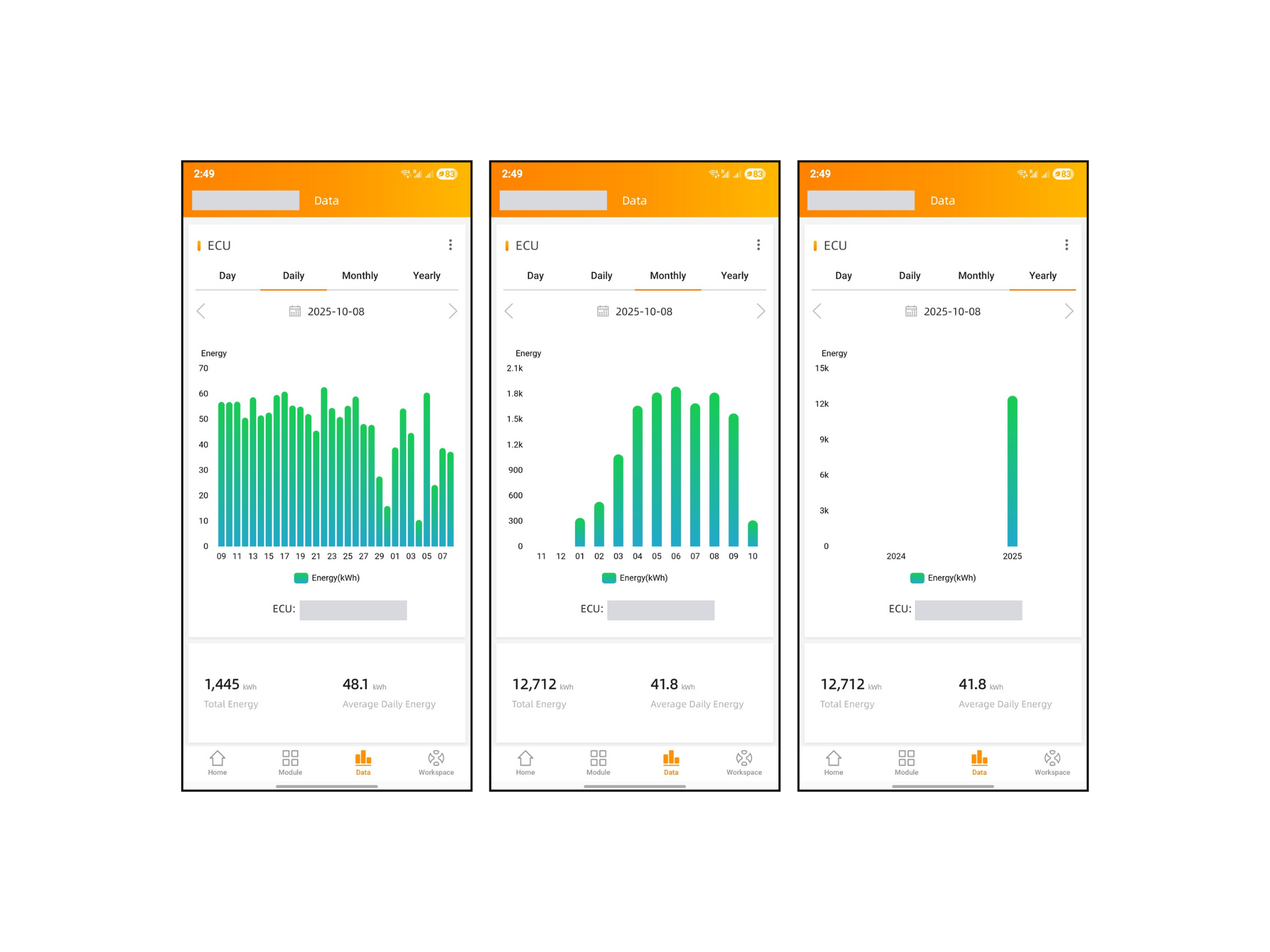
The APsystems EMA app lets you track your solar system’s performance across different timeframes, making it easy to spot trends, monitor efficiency, and manage your energy usage.


Daily View

  • The daily view shows your system’s total energy production (kWh) for the day and the peak power reached.
  • This view provides a quick snapshot of your daily output.
  • You can compare different days to see which days produced the most energy and identify overall patterns in your system’s performance.


Monthly View

  • The monthly view aggregates daily totals to show energy generated per month.
  • This helps you see seasonal changes in production.
  • Comparing months over time can highlight gradual performance changes or reveal underperforming sections of your system.


Yearly View

  • The yearly view builds a long-term history of your system’s output.
  • Useful for tracking overall performance, energy savings, and CO₂ reduction.
  • Helps you understand your return on investment and plan for adjustments in energy use or utility rates.

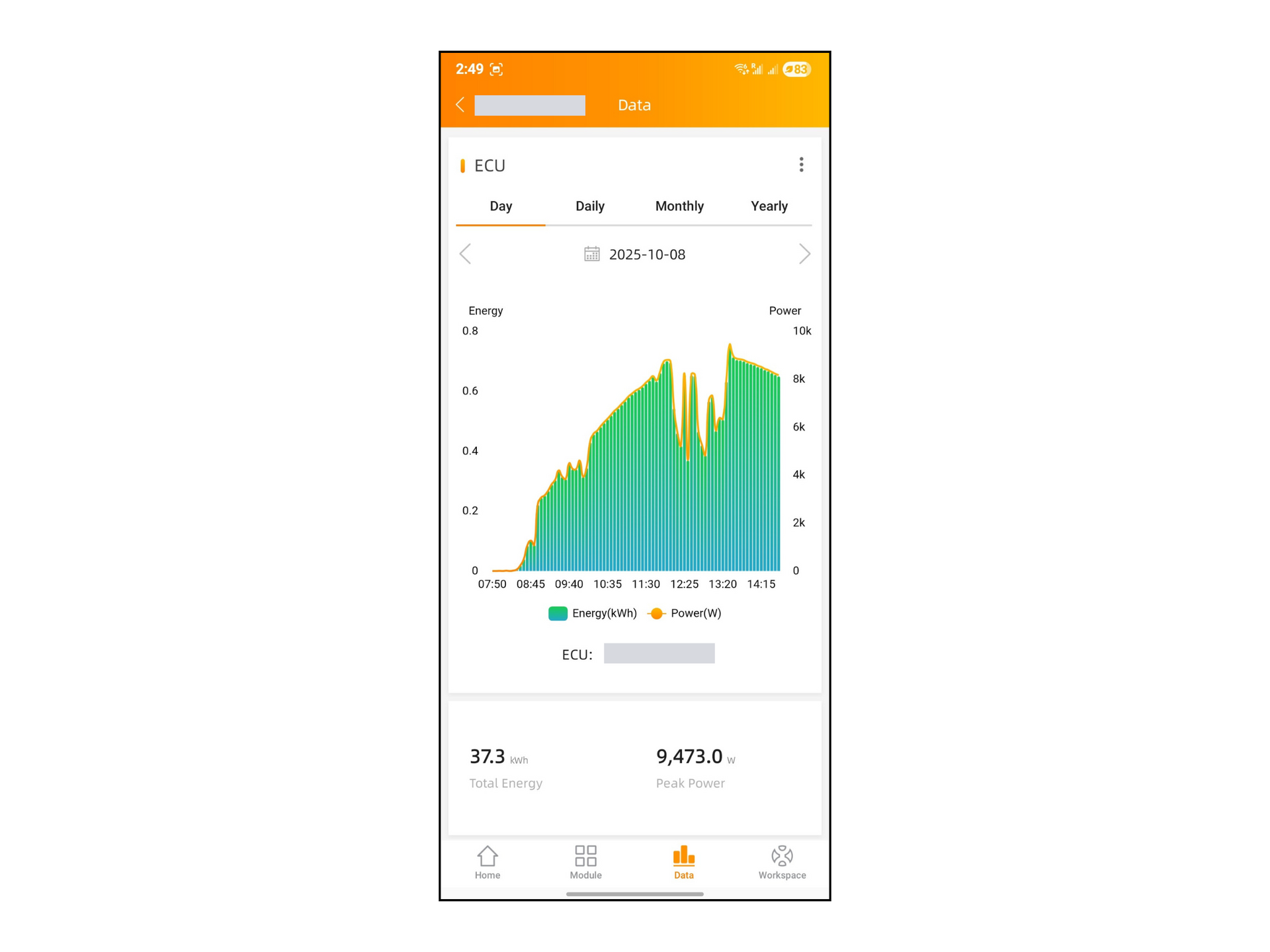
Day View

The day view shows your system’s energy production hour by hour, giving a detailed look at how your panels are performing throughout the day.

  • In this view, you’ll often see a bell-shaped curve: production starts lower in the morning, peaks around midday when sunlight is strongest, and gradually declines toward evening.
  • Irregular patterns or sudden dips may indicate shading, dirt, or technical issues affecting specific panels.
  • You can tap on individual hours to see exact kWh values and identify the times of day when your system performs best or encounters issues.


By reviewing data across these views — daily, day, monthly, and yearly — you gain a comprehensive understanding of your system’s performance, spot potential issues early, and ensure your solar system is running efficiently.


Why Regular Monitoring Matters

Solar systems are designed to be reliable and low-maintenance, but they don’t automatically alert you if something goes wrong. That’s why regularly checking your EMA app is crucial for keeping your system running efficiently.


By monitoring your system every few days, you can:

  • Spot underperforming panels early: A single panel showing zero or low output may indicate shading, dirt, or a technical problem.
  • Detect larger system issues: If a section or the entire system is not producing power, you can identify the problem quickly and avoid long periods of lost energy.
  • Track energy savings and environmental impact: Monitoring helps you see how much electricity your system generates and the CO₂ emissions you’re offsetting.


Common Issues and How to Troubleshoot

Even the best solar systems can experience minor issues from time to time. The EMA app helps you identify them early before they affect your savings.


One Panel is Showing Zero Output

If one panel consistently shows zero power while the others are producing, it usually means:

  • The panel might be shaded or covered by debris.
  • The microinverter connected to that panel may need to be reset or replaced.
  • There could be a loose connection.


What to do:
Start by visually checking the panel for dirt, shading, or snow buildup.If it’s clean and unobstructed, take note of the panel’s location and inverter ID in the app, then contact your installer or
Evalence Renewables for remote diagnostics or on-site inspection.


The Whole System is Down

If your dashboard shows zero production across all panels, and you’re sure it’s sunny, this could indicate:

  • A power or communication issue between the microinverters and the gateway device (ECU).
  • A system-wide disconnection due to maintenance, grid outage, or breaker shut-off.


What to do:
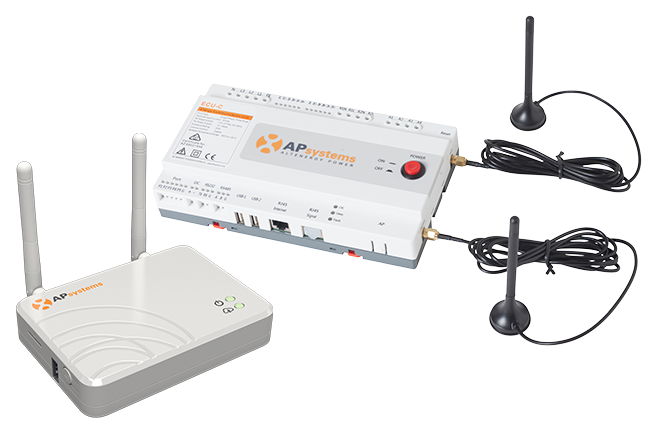
Check if your ECU (the small communication box) has power and is connected to the internet. If lights on the device are off or red, it may have lost connection. Restarting the ECU or checking your Wi-Fi connection may help. If the issue persists, reach out to your installer or
Evalence Renewables for professional assistance.

Energy Communication Unit (ECU)

A Major Section of the System is Down

If you notice several panels in one area are producing zero energy while others are fine, the problem could be:

A shared circuit or branch connection issue.

Partial inverter string failure or communication loss affecting a group of panels.


What to do:
Take a screenshot of the affected area on the Module View and share it with your installer. This helps technicians quickly locate and resolve the issue. Avoid attempting to reset electrical components yourself for safety reasons.


If everything appears fine on your end but the issue persists, it’s best to contact your solar service provider for a professional inspection to ensure your system continues to perform efficiently.


Need Help? Contact Evalence Renewables

If you notice anything unusual in your EMA app — such as a panel showing zero output or your system not generating power — the Evalence Renewables team is here to help.


📞 Contact Evalence Renewables:

Phone: +1 (587)435-7349

Email:  info@evalence.ca

Website: https://www.evalence.ca

Our experts can perform remote diagnostics, identify potential issues, and schedule on-site service if needed.


Even if your solar system wasn’t originally installed by Evalence, we offer repair, maintenance, and performance optimization services for all residential and commercial solar setups. Keeping your system in top shape ensures maximum energy production, long-term reliability, and peace of mind.

Conclusion

The APsystems EMA app is far more than just a collection of numbers and graphs—it’s your personal window into how your solar system is performing every day. By understanding each metric and using the different views—Daily, Day, Monthly, and Yearly—you can gain a complete picture of your system’s efficiency, spot potential issues early, and make informed decisions about your energy use.


Regular monitoring empowers you to:


  • Maximize energy production by quickly identifying underperforming panels.
  • Protect your investment by detecting and addressing system-wide or sectional issues.
  • Track your savings and environmental impact, including the CO₂ emissions your solar system offsets.


Even if you’re not a solar expert, the EMA app makes it simple to take control of your renewable energy journey. And if you ever encounter a problem, Evalence Renewables is ready to provide remote support, professional diagnostics, and maintenance—even for systems not originally installed by our team.


By combining knowledge, regular monitoring, and expert support, you can ensure your solar system operates at its best, delivering long-term savings, reliability, and the satisfaction of contributing to a cleaner, greener future.

Check your EMA app regularly, understand your metrics, and let your solar system work smarter for you—saving energy, money, and the planet every day.

Recent Posts

By Tyler Sieben December 2, 2025
A solar inspection is a comprehensive evaluation of a system’s components, installation quality, and real-world performance. Through this process, inspectors can identify issues early, prevent unnecessary losses, and protect the overall longevity of the system.
By Moha Tuano December 2, 2025
The right size solar system depends on your household’s electricity use, the layout and shading of your roof, your budget, and the rules set out in Alberta’s micro-generation regulation. Let's dive into how it all works!
By Moha Tuano December 2, 2025
City of Edmonton’s Multi-Family Solar Rebate Program - quick overview to help you understand the program’s structure, eligibility, and process.